Resize image to KB
Make an image fit a file-size limit using dimensions and JPEG/WebP quality. Your inputs stay on your device.
LimitsSet up your task
Starting local processing
Ready. Processing stays in this browser.
2 Your result
Downloads are created from local browser memory. Check the result before replacing any original.
How to use Resize image to KB
Make a photo fit a limit such as 100 KB for a form or 2 MB for an attachment. The tool tries reducing export quality first and can shrink the image dimensions when the file is still too large.
- Choose the size limit shown on your form or enter a custom maximum.
- Drop in your photo. Choose JPEG unless the receiving service accepts WebP.
- Check both the saved size and the width and height shown beside the result.
Supported inputs and limits
Choose a supported still source up to 100 MB and 100 megapixels. The saved JPEG or WebP stays within 40 megapixels. Very small size targets can need a substantial reduction in dimensions. One megapixel is one million picture pixels.
How it works
File size is separate from the number of pixels in a picture. Pick the limit shown by the receiving service. A request for 100 KB means the saved file has to fit within that amount. A required width and height describe how many pixels the service expects. Check both when the form lists both.
The tool tries multiple JPEG or WebP quality settings within the dimensions you choose. If the lowest quality still does not fit, the tool normally reduces the width and height while preserving shape. Turn on Keep exact width and height if your form requires an exact pair of dimensions. Enter both values and choose a format the form accepts. If the file cannot meet the cap at those dimensions, the tool explains the problem and offers no download. Crop to the right shape in advance to avoid stretching when you specify a different aspect ratio. A portrait with a plain background often needs fewer bytes than a photograph of foliage or a busy street at the same dimensions. A tightly limited result can lose fine details, so read text and inspect faces in the finished copy before submitting it.
Example
Download the test JPG to reproduce this Chromium comparison. The same 1,696,283 bytes original was used at every cap.
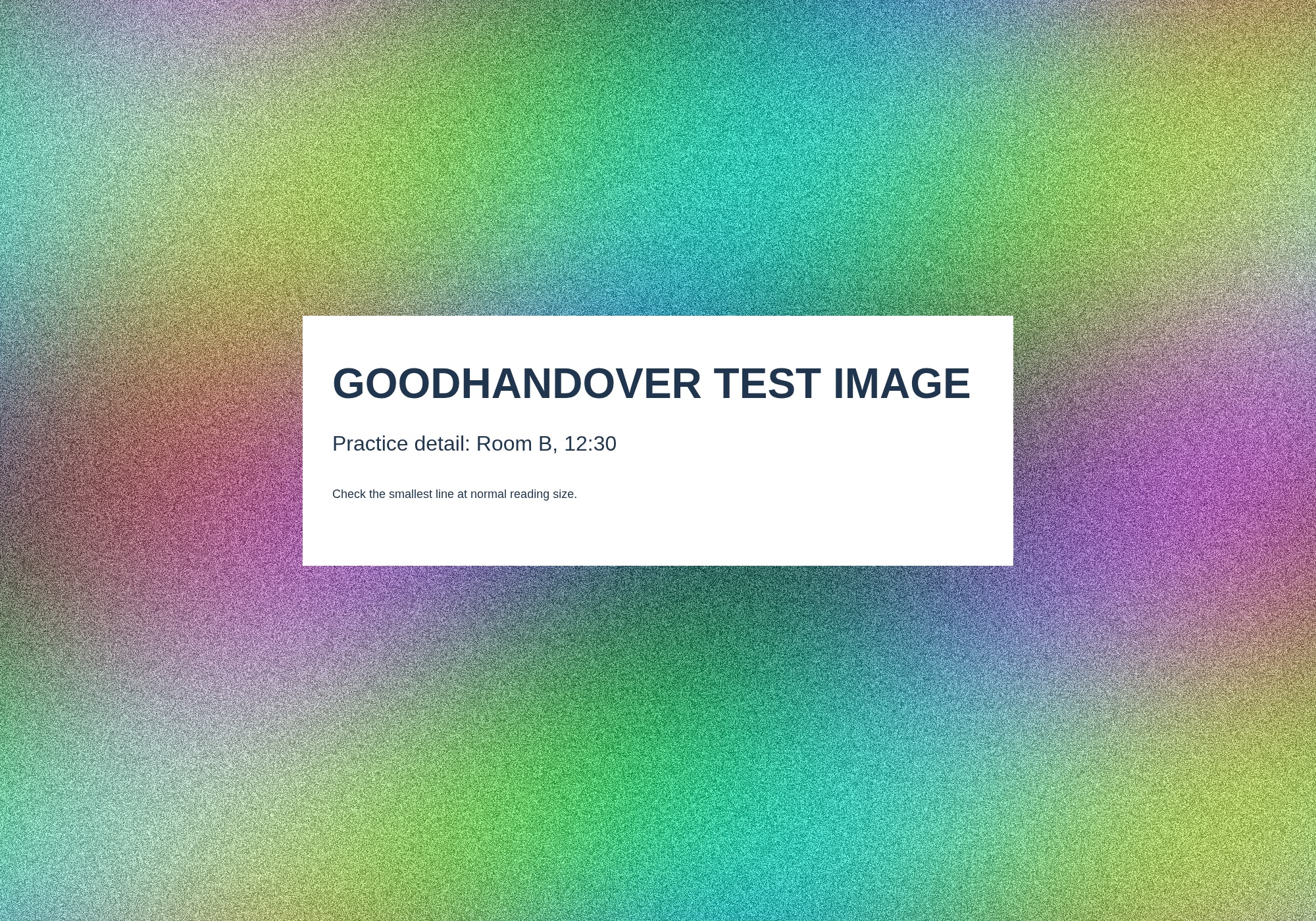

18,660 bytes
886 × 620 pixels

49,737 bytes
1,445 × 1,011 pixels

93,055 bytes
1,700 × 1,190 pixels
The images show the same line, enlarged for comparison. It was visibly softer at 20 KB in this test. Check both readability and your form’s minimum dimensions. Results vary with the source image and browser.
Questions about Resize image to KB
Is the target an exact size?
No. It is a maximum. The tool keeps the best quality it finds below that limit and reports any reduction in dimensions.
Does choosing WebP help reach a small size?
Sometimes. Use it only if the receiving service accepts WebP. Many identity or application forms ask for JPEG.
Can I keep the photo above a required minimum width?
Check the finished dimensions. If meeting the size limit makes them too small, try a less detailed source and compare the result with the form rules.
Read Resize a photo to 20, 50 or 100 KB and Reduce a photo for a GOV.UK or job-form upload.
Related tools
Last updated